Manufacturing ERP: The Systems That Actually Work
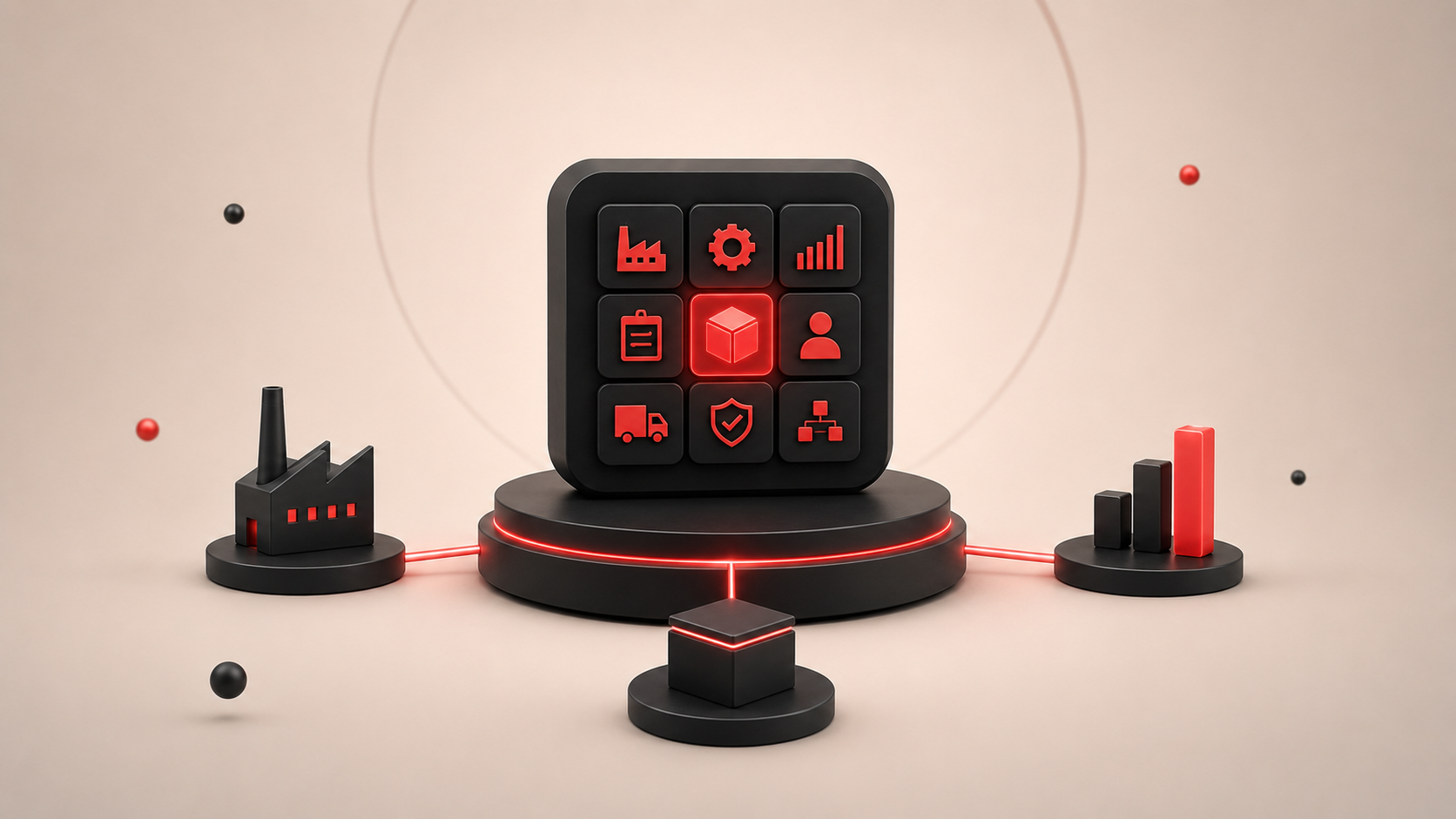
If you run a manufacturing business, you already know spreadsheets and disconnected tools eventually break down. That's where ERP comes in.
Manufacturing ERP (Enterprise Resource Planning) is software that pulls your core operations — shop floor control, inventory, production scheduling, and financials — into one platform. It tracks materials from raw stock to shipped product, automates supply chain steps, and gives you real numbers instead of guesswork.
Here's what's worth using in 2026 and how to pick between them.
Top Manufacturing ERP Platforms Compared
| Platform | Best For | Deployment | Notable Strength |
| Odoo | Small to mid-size businesses | Cloud / self-hosted | Modular, open-source, highly customizable |
| Katana | Direct-to-consumer, small-batch | Cloud | Visual, user-friendly interface |
| Epicor Kinetic | Complex, mid-market manufacturers | Cloud / on-premise | Quality management, shop-floor data collection |
| Acumatica | Growing mid-market companies | Cloud / on-premise | Flexible deployment, unlimited user licensing |
| Oracle NetSuite | Enterprise, multi-location | Cloud-native | Unified global financials and supply chain |
Which ERP Fits Your Business?
Small to mid-size businesses. Odoo is the popular pick because its modular structure lets you turn features on as you grow. The trade-off: its open-source framework usually means you're doing your own onboarding — or paying someone to do it. Katana is the easier alternative if you're running small batches or selling direct to consumers. The visual interface is friendlier for teams without ERP experience.
Complex or mid-market manufacturing. Epicor Kinetic (formerly Epicor ERP) is built for messy, multi-step manufacturing. It handles quality checks and shop-floor data collection well. Acumatica gets picked often because it doesn't charge per user — that alone can save mid-sized manufacturers thousands each year.
Enterprise scale. Oracle NetSuite is cloud-native and built for companies growing fast across regions. If you're managing global supply chains and unified financials, it holds up.
Where ERPs Stop and Other Systems Take Over
Something engineers in larger manufacturing setups repeatedly point out: an ERP shouldn't try to do everything. It's meant for labor planning and material issuing. Real-time production execution is handled by specialized systems.
| System | What It Does |
| ERP | Financials, planning, inventory, purchase orders |
| MES (Manufacturing Execution System) | Real-time shop-floor execution, work order tracking |
| SCADA | Machine-level monitoring and control |
Force your ERP to run everything and you'll hit walls fast. Use it for what it's good at and let MES/SCADA handle the machinery layer.
Off-the-Shelf ERP Rarely Works Straight Out of the Box
Platforms like Odoo, Katana, and Epicor cover the baseline — but almost nobody runs their business exactly the way default configurations assume. Specific workflows, niche products, and legacy integrations mean you'll almost always need customization on top of whatever you pick.
You've got two solid paths:
1. Customize a proven platform through a certified partner. Odoo is the popular pick here because it's modular, open-source, and designed to be tailored. Working with an Odoo Certified Partner (like our ERP solutions team) means you get a mature, battle-tested core plus the specific features your operation actually needs — without paying to reinvent the wheel.
2. Build a fully custom ERP. When your operations are unusual enough that even a customized platform would be a stretch, a ground-up build makes more sense. This is also the route if you want full ownership of the code and no ongoing licensing fees.
Either path, the actual work usually looks like:
- A custom web app for your main ERP dashboard that pulls in the specific KPIs your operation actually runs on
- A mobile app so shop-floor staff can update work orders and inventory from where the work happens
- A desktop application for stations that don't have reliable internet or need heavy local processing
- Blockchain integration for supply chain traceability — raw material through to end buyer
- A no-code build when speed matters more than deep customization
If you already have a system that mostly works, custom software development can also mean building integrations between your ERP and existing tools — CRMs, e-commerce, accounting — instead of replacing what you have.
Quick Decision Guide
Match your situation to a starting point:
| Your Situation | Start Here |
| Under 20 employees, direct-to-consumer | Katana |
| Small to mid-size, need flexibility | Odoo |
| Complex production, quality-heavy | Epicor Kinetic |
| Growing team, watching user license costs | Acumatica |
| Global operations, scaling fast | Oracle NetSuite |
| Need heavy tailoring or unique workflows | Odoo + certified partner, or custom ERP |
Final Thoughts
Pick an ERP based on how your business actually operates, not on features you'll never touch. Most manufacturers overpay for enterprise systems when a mid-market platform would do — or they cheap out on a small-business tool and outgrow it in 18 months.
Get the size right, keep MES/SCADA separate where it makes sense, and don't be afraid to customize when the standard options don't fit.
Ready to estimate your app cost?
Use our free calculator to get a personalised cost breakdown in 2 minutes.
Calculate Your App Cost